
ManualVideoStudio
How-to video maker for Windows
Record, trim, and add subtitles.
Record what you do on your PC, cut out the parts you don't need, and add subtitles and arrows to make a how-to video. You can also export MP4 and GIF files, and extract still images for written guides.
- Available
- Windows 11 (64-bit)
- Free
- Japanese only
- Version 1.17.4
The app is distributed on the Microsoft Store in Japan. You need to install FFmpeg (a free tool) separately; the steps are in the user guide. The app and its user guide are in Japanese only. To read the guide in English, please use your browser's translation feature.
Get it free on Microsoft Store Read the user guide (Japanese)
Record → Cut → Subtitles and arrows → Export
-
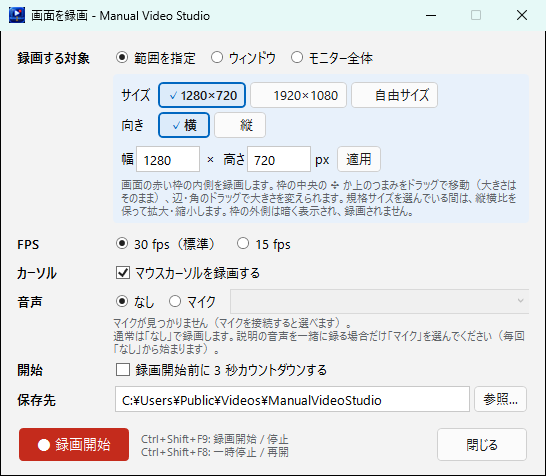
RecordChoose a screen area, a window or a monitor, and record the steps you want to explain.
-
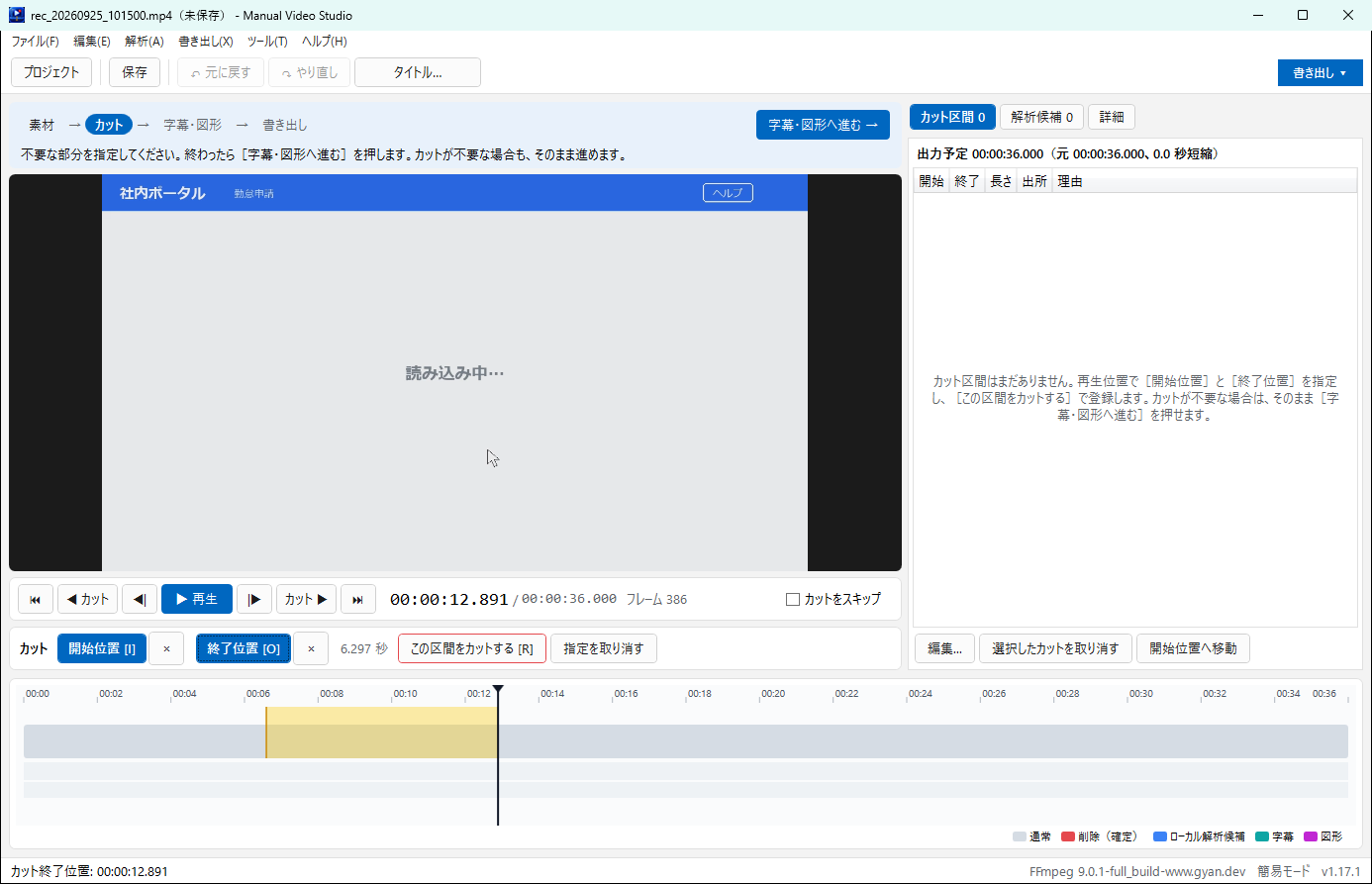
CutRemove or shorten waiting time and mistakes, with crossfades at the joins.
-
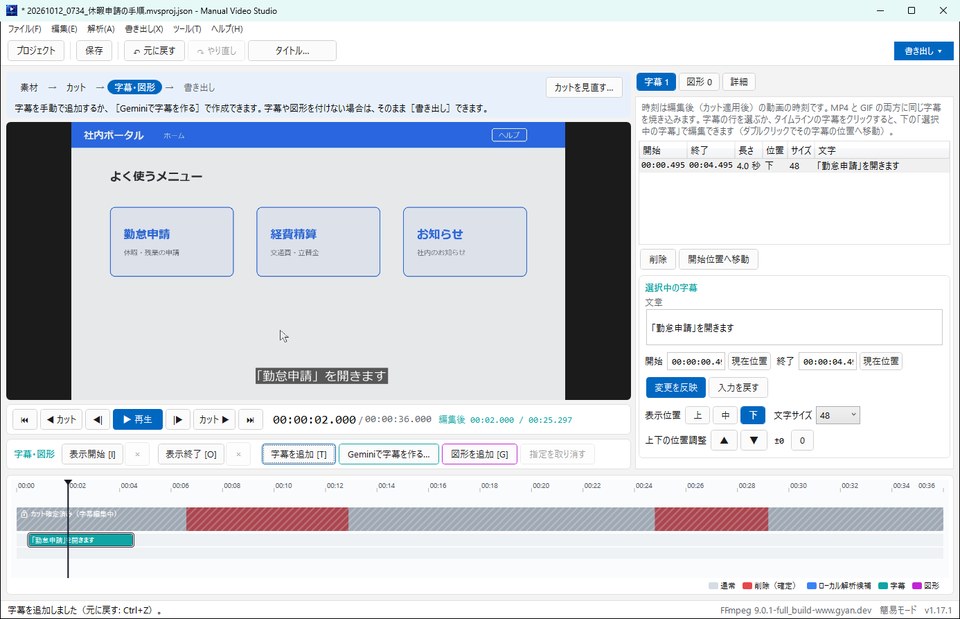
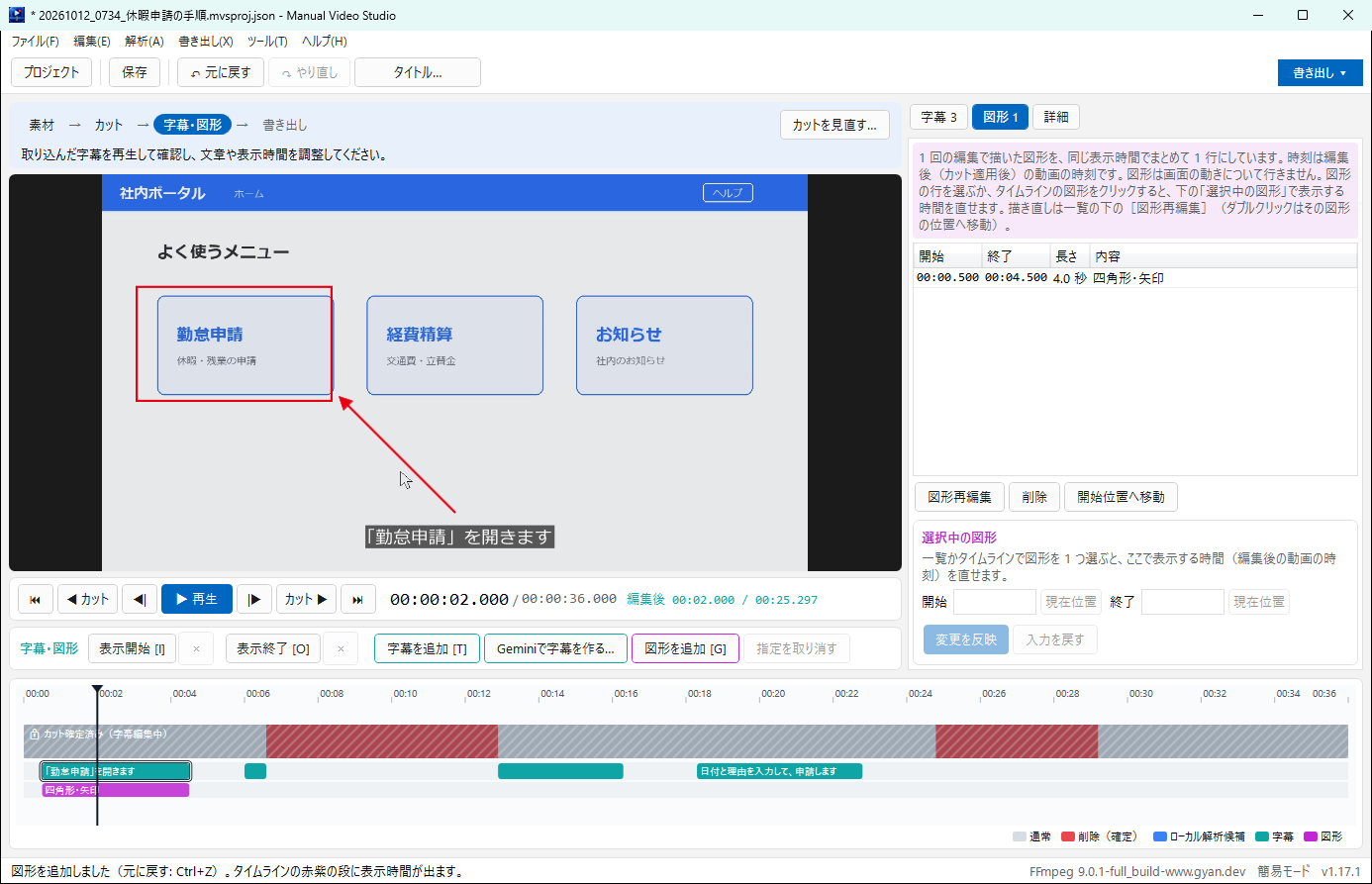
Add subtitles and arrowsOverlay subtitles, rectangles, arrows, text and mosaic, each with its own display time.
-
ExportExport MP4 or animated GIF. You can also extract images for written guides.
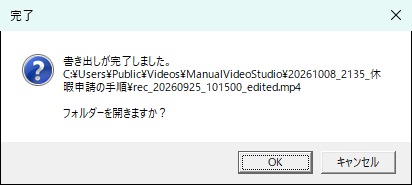
Screenshots show the Japanese interface.
Features
- Record a screen area, a window or a whole monitor (landscape or portrait area, with a fixed aspect ratio if you like)
- Remove or shorten waiting time and mistakes, with crossfades at the joins
- Add subtitles, rectangles, arrows, text, mosaic and an opening title
- Ask Gemini for draft subtitles and import them after checking (by copy and paste)
- Export MP4 and animated GIF, and extract annotated images for written guides
Requirements and availability
| OS | Windows 11 (64-bit) |
|---|---|
| Also required | FFmpeg (a free tool, installed separately; see the user guide, in Japanese) |
| Languages | Japanese only |
| Get it from | Microsoft Store (available in Japan) |
Recent updates
- The user guide opened from the app now uses the site's new address (
www.ja1bus.com). Features and behavior are unchanged.
Resources
Source code and license
The source code of this application is available on GitHub under the MIT License.